
Gboard: Smart Keyboard for Fast, Multilingual Typing
Overview
Gboard, developed by Google, is a feature-rich keyboard utility designed to enhance typing efficiency across mobile devices. It serves as a direct alternative to default device keyboards, offering a clean, intuitive interface with advanced functionality. The software targets both casual users and professionals who value speed, accuracy, and seamless integration with Google services. Its primary purpose is to streamline communication by consolidating typing, web search, content sharing, and language translation into a unified input experience.
Users benefit from real-time text correction, multilingual typing across 120+ languages, and intelligent learning that adapts to individual writing styles. The keyboard supports hands-free voice typing and glide typing for rapid input, significantly reducing time spent on message composition. It also enables direct access to emojis, GIFs, and Google Search results without switching apps, improving workflow continuity.
Real-world use cases include fast messaging, multilingual correspondence, content creation, and on-the-go research. The app is particularly useful for travelers, bilingual users, and remote workers who need efficient cross-language communication. The developer did not provide additional system requirements, and installation is straightforward through official app stores. Gboard remains active until uninstalled, with easy reversion to the default keyboard via device settings.
Key Features & Capabilities
- Multi-Language Typing – Supports 120+ languages with adaptive correction and switching, ideal for multilingual users.
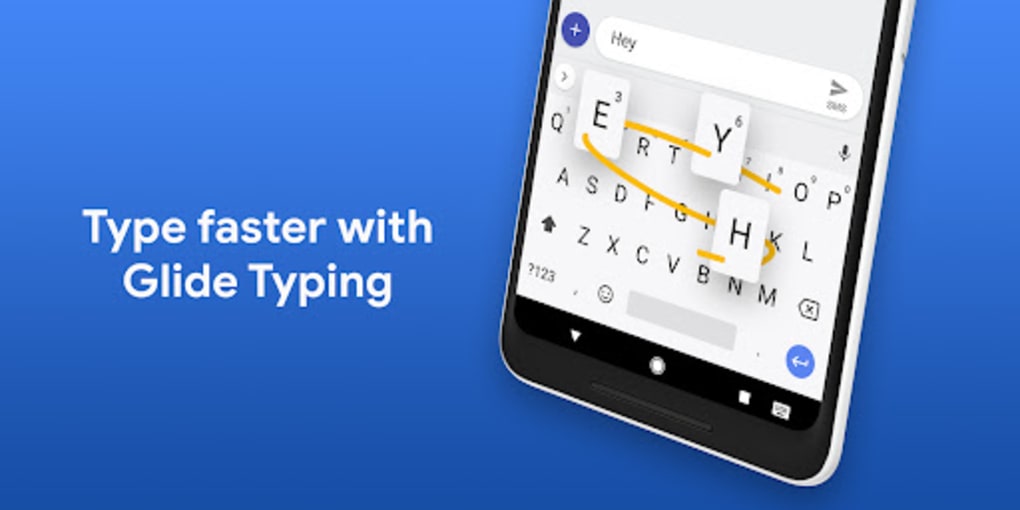
- Glide Typing – Allows users to swipe fingers across keys to type quickly, reducing finger movement and increasing speed.
- Voice Typing – Enables hands-free input using speech recognition, useful for dictation and accessibility.
- Integrated Google Search – Search the web, find emojis, and access GIFs directly from the keyboard without leaving the app.
- Smart Text Correction – Learns from user input to improve accuracy and suggest contextually relevant words.
- Translation Integration – Offers real-time translation features, enhancing cross-language communication.
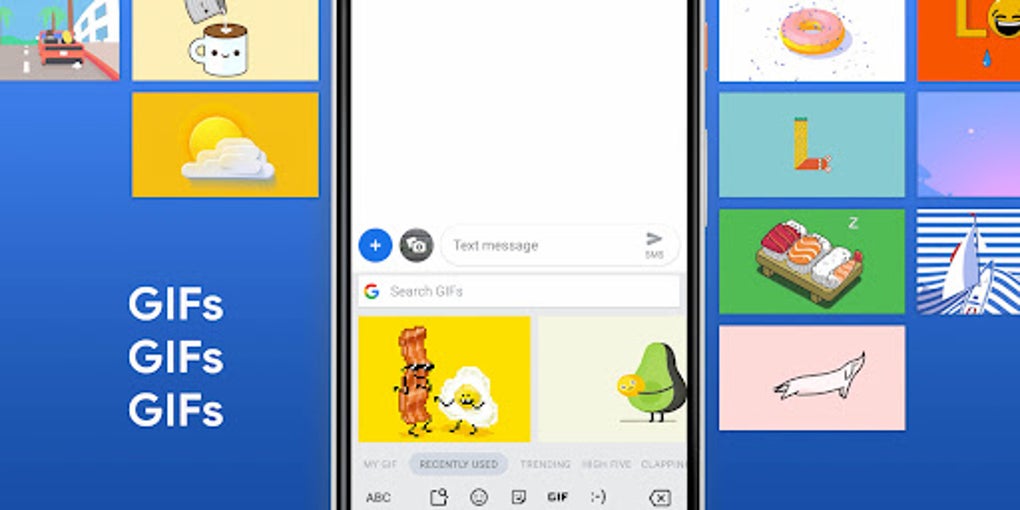
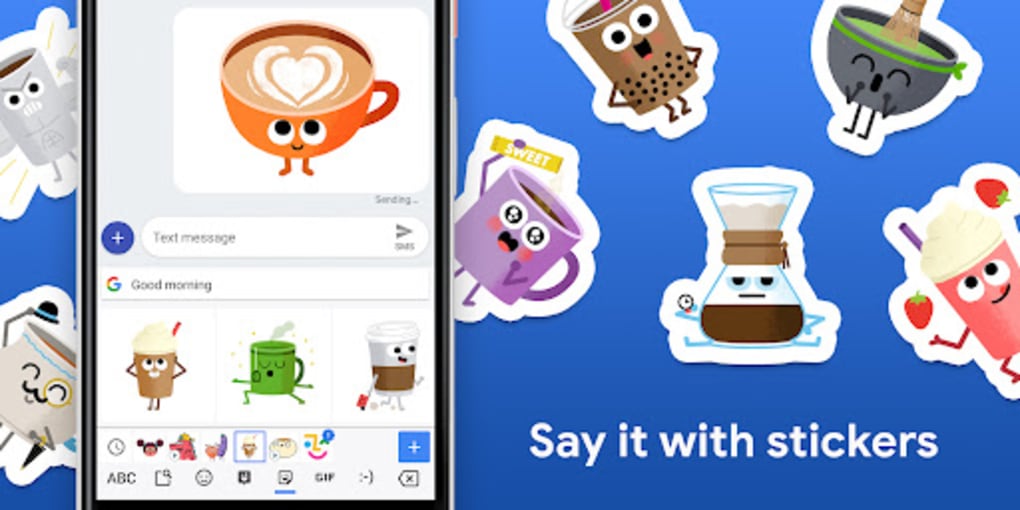
- Emoji & GIF Access – Quick access to a wide range of emojis and animated GIFs, improving message expressiveness.
- Customization Options – Users can adjust themes, key size, and layout to personalize the typing experience.
These features collectively reduce app-switching and accelerate task completion. For example, a user can search for a GIF while typing a message, then send it instantly. Similarly, a traveler can switch between languages mid-sentence without changing input methods. The keyboard’s adaptive learning ensures suggestions become more accurate over time, improving long-term usability.
User Interface, Workflow & Performance
The user interface of Gboard is minimalist and well-organized, prioritizing accessibility and speed. Navigation is intuitive, with function keys placed at the bottom of the keyboard for easy reach. The layout supports both portrait and landscape modes, adapting seamlessly to different screen orientations.
Workflow efficiency is enhanced through gesture-based typing and context-aware suggestions. Glide typing allows for fluid input, while voice input provides an alternative for users with limited mobility or multitasking needs. The keyboard integrates smoothly with the device’s input system, enabling quick activation and switching between input methods.
Performance observations are based on general software behavior patterns. The developer did not specify resource usage details, and exact performance metrics were not provided. Stability appears consistent with standard mobile applications, though some users may experience battery drain due to background processes. The keyboard remains responsive during extended use, and no reported crashes were documented in the provided information.
Compatibility & System Requirements
Gboard is available for Android and iOS devices. The current version is 11.4, with a file size of 48.2 MB. Installation is supported through official app stores—Google Play Store for Android and App Store for iOS. The app replaces the default keyboard once enabled in device settings.
Exact system requirements were not listed. Compatibility information is limited to the supported operating systems. The developer did not provide additional details on hardware specifications, minimum RAM, or CPU requirements. Users should ensure their device meets the baseline requirements for the respective OS to run the app smoothly.
Pros and Cons
Pros
- Supports 120+ languages with accurate correction and switching
- Intuitive interface with minimal learning curve
- Seamless integration with Google Search, Voice, and Translation
- Efficient gesture typing and hands-free input options
- Free to download and use with no in-app purchases
- Customizable layout and themes for personal preference
Cons
- Potential battery drain due to background processes
- Privacy concerns related to data collection and third-party sharing
- Previous data leak incidents, despite Google’s response
- Dependence on Google’s ecosystem for full functionality
- No offline translation or search features in all regions
FAQ Section
Is Gboard compatible with both Android and iOS?
Yes, Gboard is available for both Android and iOS devices. It can be downloaded from the Google Play Store and the App Store respectively.
Is Gboard safe to use?
Gboard is developed by Google and is available through official app stores. However, users should be aware of data privacy concerns related to input monitoring and third-party sharing. The app has experienced past data leaks, though Google responded promptly.
How often does Gboard receive updates?
Updates are released periodically by Google to improve performance, add features, and address security issues. The latest version is 11.4, released on April 10, 2024.
Can I use Gboard without an internet connection?
Basic typing and offline text correction are available without internet. However, features like Google Search, voice typing, and translation require an active connection.
Is Gboard free to download and use?
Yes, Gboard is completely free to download and use. There are no in-app purchases or subscription fees.
Final Thoughts & CTA
Gboard stands out as a powerful, efficient keyboard app that combines speed, intelligence, and versatility. Its multilingual support, gesture typing, and deep integration with Google services make it a top choice for users seeking a streamlined typing experience. While concerns around battery consumption and data privacy exist, the app’s benefits far outweigh its drawbacks for most users.
It is ideal for students, professionals, multilingual communicators, and anyone who values efficiency in daily communication. The simple setup and continuous updates ensure long-term usability. Despite minor limitations, Gboard remains one of the most effective and widely used keyboard tools on mobile platforms.
Download Gboard now and experience a smarter, faster way to type.






.png)
